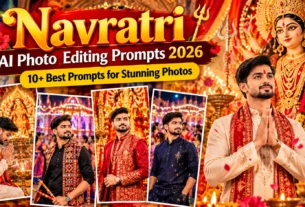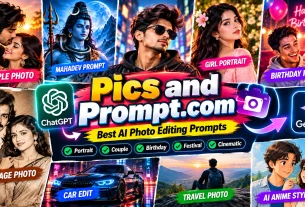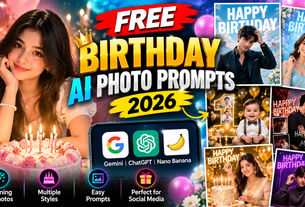
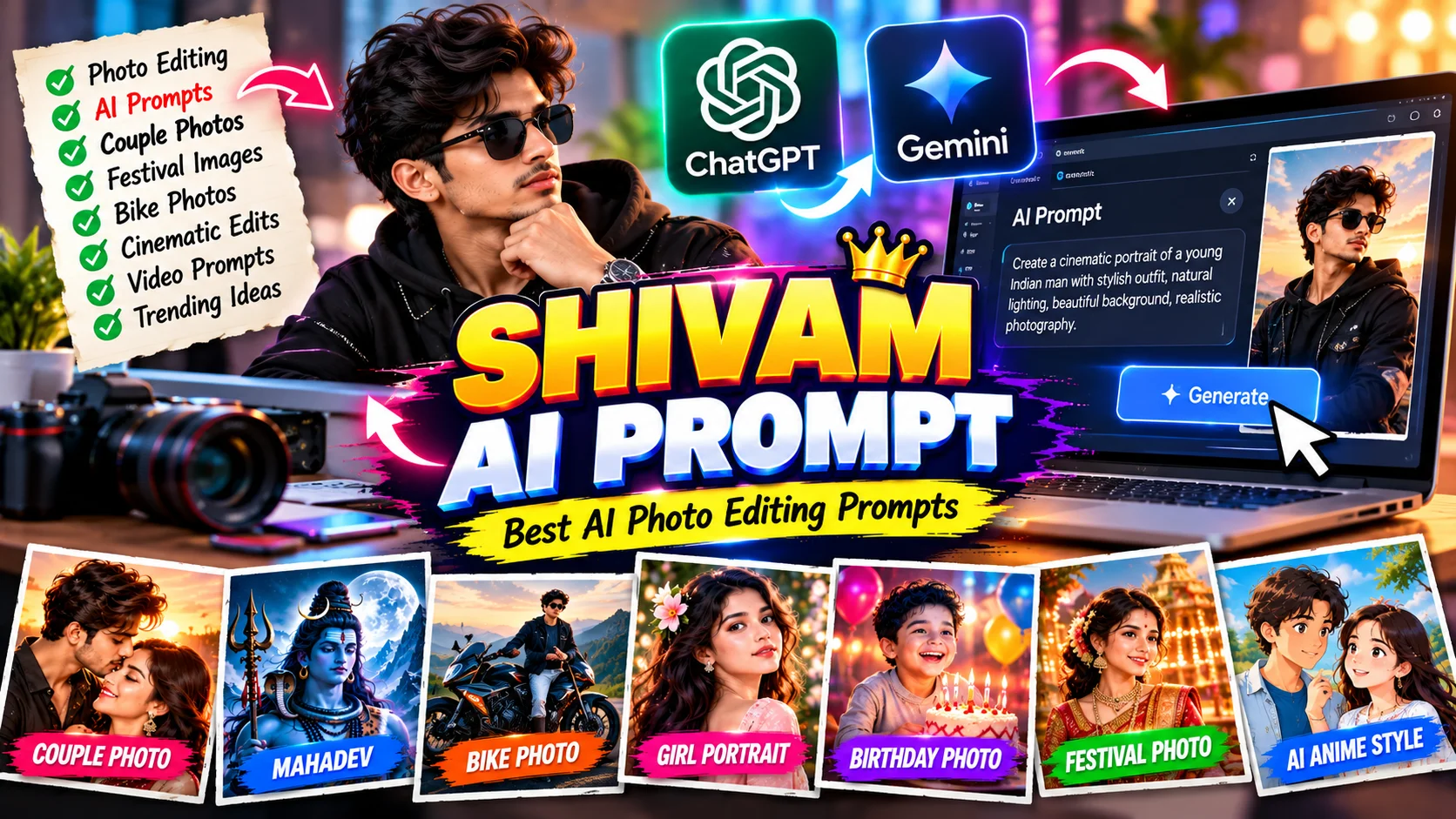
Shivam AI Prompt is a website that shares AI photo prompts, video prompts, and editing tutorials. It covers different creative topics, including traditional Indian portraits, vehicles, festivals, and trending photo edits. Users can explore ideas and try suitable prompts with compatible AI tools. Visit the official website.
In this article, you will learn about Shivam AI Prompt, its useful features, how to use AI prompts, and some copy-and-paste prompts for creating beautiful images.
What Is Shivam AI Prompt?
Shivam AI Prompt is an online platform for people who want to explore AI image generation and video editing ideas. The website publishes prompt-based tutorials for different types of creative projects.
An AI prompt is a written instruction that tells an AI tool what kind of image or video you want to create. It can include details about clothing, background, lighting, pose, camera angle, colors, and image quality.
For example, you can write a prompt asking an AI tool to create a cinematic portrait of a young Indian man standing beside a motorcycle at sunset. The tool uses your instructions to generate or edit an image.
Shivam AI Prompt helps users discover ideas without having to write every prompt from the beginning.

Main Features of Shivam AI Prompt
1. AI Photo Editing Prompts
AI photo editing prompts are useful for transforming ordinary photographs into creative images. You can explore ideas for stylish portraits, professional photos, cinematic looks, and social media profile pictures.
A good prompt explains what should change and what should remain the same. If you are editing your own photo, ask the AI tool to preserve your recognizable facial features, natural skin tone, and hairstyle.
2. Gemini AI Prompts
Google Gemini offers AI features that can help users generate or edit images, depending on the available model and account features.
You can use a compatible prompt to describe the image you want. For example, you might request a traditional Indian outfit, a beautiful outdoor background, soft lighting, and realistic photography.
After generating the image, you can refine the prompt to improve the background, colors, or composition.
3. ChatGPT AI Photo Prompts
ChatGPT can also help users create and edit images through its available image features. You can provide a written description or upload a suitable reference photo when image editing is supported.
For better results, explain your idea clearly. Mention the subject, clothing, location, lighting, and preferred image ratio.
4. AI Video Prompts
AI video prompts describe how a scene should move and look. They can include camera movement, subject action, background details, lighting, and video duration.
For example, you can describe a motorcycle moving along a mountain road while the camera follows it from the side. Compatible video tools may use these instructions to create a short video.
The final result depends on the selected tool and its features.
5. Trending and Festival Prompts
Festival prompts are popular for creating special images during celebrations. You can explore ideas for Navratri, Durga Puja, traditional Indian fashion, birthday photos, and other occasions.
These prompts can help you create social media posts, greeting images, and personalized portraits.
Copy-and-Paste Shivam AI Prompt Examples
Here are three original prompts you can try with a compatible AI image tool.
Prompt 1: Cinematic Boy Photo
“Edit the uploaded photo into a realistic cinematic portrait of a young Indian man wearing a stylish black jacket and sunglasses. Place him on a city street at sunset with soft golden lighting, a blurred background, natural skin texture, realistic facial details, and professional photography. Preserve his recognizable facial features and natural skin tone. Use balanced colors and a clean composition. Avoid distorted hands, unnatural skin, and blurry details. Create a vertical 4:5 image.”
Prompt 2: Romantic Couple Photo
“Use the uploaded couple photo as a reference and create a beautiful romantic portrait during golden hour. Keep both people recognizable and preserve their natural facial features. Add elegant outfits, warm sunlight, a garden background, soft shadows, and realistic photography. Keep the pose natural and the image clear. Avoid extra fingers, distorted faces, and artificial skin. Create a vertical 4:5 image for social media.”
Prompt 3: Royal Bike Photo
“Create a realistic cinematic photo of a young Indian man standing beside a stylish sports motorcycle on a mountain road. Use a dramatic sunset, misty mountains, detailed motorcycle design, natural facial features, realistic clothing, and professional automotive photography. Add soft reflections and balanced cinematic colors. Keep the scene original, sharp, and visually attractive. Create a vertical 4:5 image.”
You can change the clothes, background, colors, and image ratio to match your personal style. If you use a reference photo, upload only an image you have permission to use.
How to Use Shivam AI Prompt
Follow these simple steps to create an AI image.
Step 1: Visit the Website
Open shivamaiprompt.in in your browser. Browse the available articles and choose a prompt topic.
Step 2: Select Your Favorite Prompt
Choose a prompt that matches your idea, such as a portrait, bike photo, couple image, or festival design.
Step 3: Copy the Instructions
Read the prompt and copy its text. Change any details you want to personalize.
Step 4: Open an AI Tool
Open a compatible tool, such as Google Gemini or ChatGPT, and select the image feature available to you.
Step 5: Upload Your Photo
If you want to edit an existing photo, upload a clear reference image when supported. For a completely new image, you may be able to use text instructions alone.
Step 6: Generate and Improve
Paste the prompt and generate your image. Check the face, hands, clothing, and background. If something looks incorrect, ask the tool to make a specific improvement.
Benefits of Using AI Prompts
AI prompts offer several benefits for beginners and content creators.
- Save time: Start with existing instructions instead of writing everything yourself.
- Explore creative ideas: Try different photography styles and visual effects.
- Create social media content: Make profile pictures, posters, thumbnails, and creative posts.
- Learn easily: Understand how lighting, backgrounds, and camera angles affect an image.
- Personalize photos: Change the scene, clothing, colors, and mood to suit your preferences.
Remember that using a detailed prompt does not guarantee a perfect result. You may need to try different instructions or use another AI tool.
Tips for Better AI Photo Editing
For better results, use a clear reference photo with good lighting. Describe the subject and background in simple language. Mention the image ratio, such as 4:5 for portraits or 16:9 for YouTube thumbnails.
If you want a realistic image, request natural skin texture and realistic body proportions. Avoid adding too many different ideas to one prompt. After generating the image, review it carefully before sharing it online.
Also, check the AI tool’s terms and any usage restrictions before using generated images for commercial projects.
Frequently Asked Questions
What is Shivam AI Prompt?
Shivam AI Prompt is a website that shares AI photo prompts, video prompt ideas, and editing tutorials.
Can I use Shivam AI Prompt with Gemini?
You can try compatible prompts with Google Gemini when its image generation or editing features are available to your account.
Is Shivam AI Prompt useful for beginners?
Yes. Ready-made prompts can help beginners learn how to describe an image without having advanced photo-editing skills.
Can I create AI videos using prompts?
Yes, compatible AI video tools can use written instructions to generate video scenes. The available features and results vary by tool.
Shivam AI Prompt can be a helpful starting point for people who want to explore AI photo editing, creative portraits, video prompts, and trending image ideas. With tools such as Google Gemini and ChatGPT, users can experiment with different styles and create personalized content.
Choose a suitable prompt, customize the details, and review the result carefully. With practice, you can learn to write better prompts and create attractive images for social media, personal projects, and other creative uses.
Visit Shivam AI Prompt to explore its available prompt ideas and tutorials.