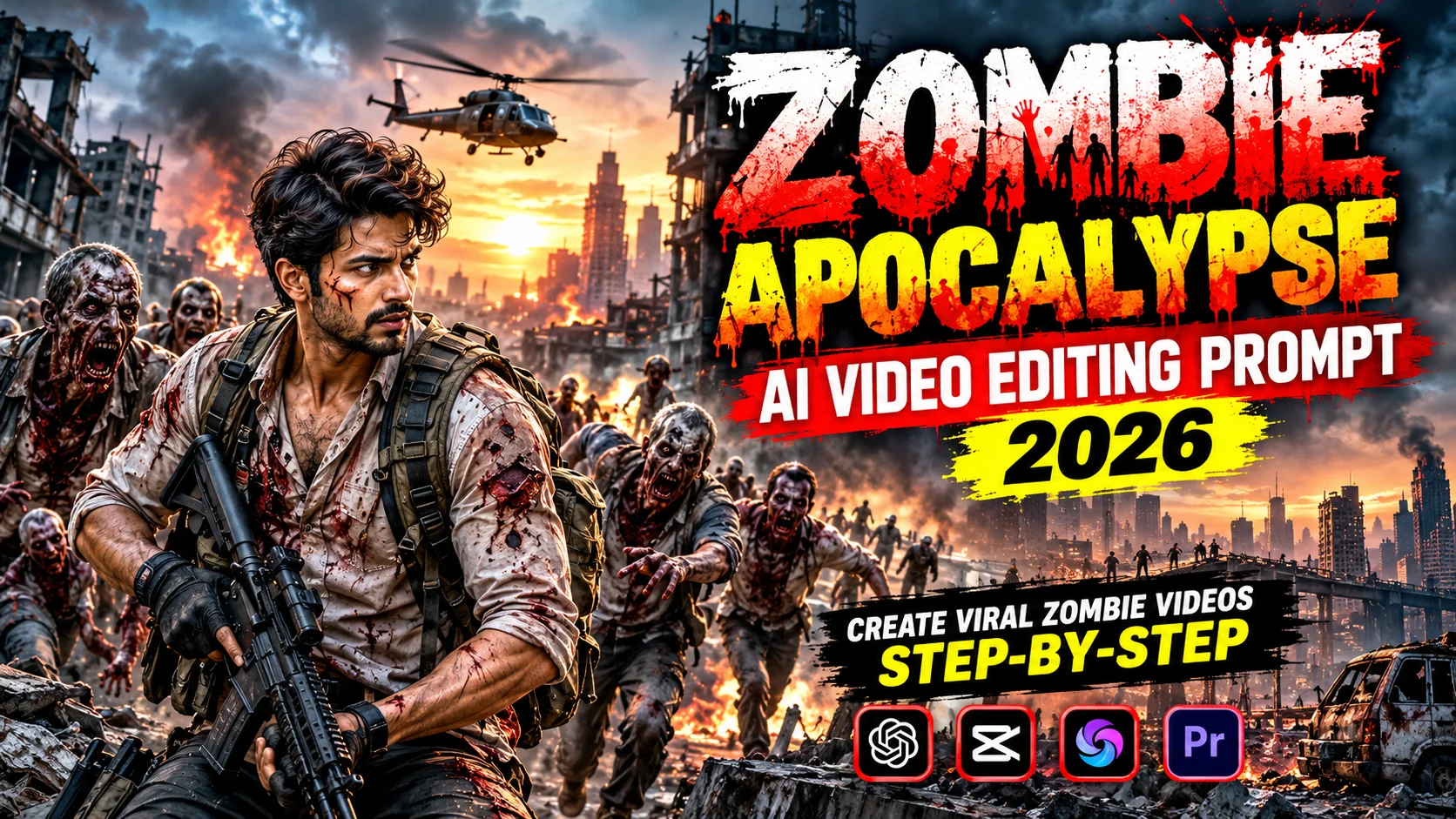
Zombie Apocalypse AI videos are becoming a creative trend for Instagram Reels, YouTube Shorts, and TikTok. These videos show scary zombies, abandoned cities, dark streets, and realistic survival scenes. With the help of AI tools, you can create cinematic zombie videos without expensive cameras or professional editing skills.
In this article, you will learn how to create a zombie apocalypse video using AI prompts and simple editing techniques.
What Is a Zombie Apocalypse AI Video?
A Zombie Apocalypse AI video shows a fictional world where zombies attack cities and people try to survive. AI tools can help generate realistic characters, scary backgrounds, zombie movements, and cinematic effects. You can use these videos to create horror content for your social media accounts.
Best AI Tools for Zombie Video Editing
You can use different AI tools to create your videos:
- AI Image Generators: Create zombie characters and destroyed city backgrounds.
- AI Video Generators: Turn images into moving video clips.
- Video Editing Apps: Add sound effects, transitions, color grading, and music.
- AI Voice Generators: Create dramatic narration for your horror story.
Choose tools that support your preferred video format and editing workflow.
1. Zombie Apocalypse AI Video Editing Prompt
Use the following prompt to generate a cinematic zombie scene.
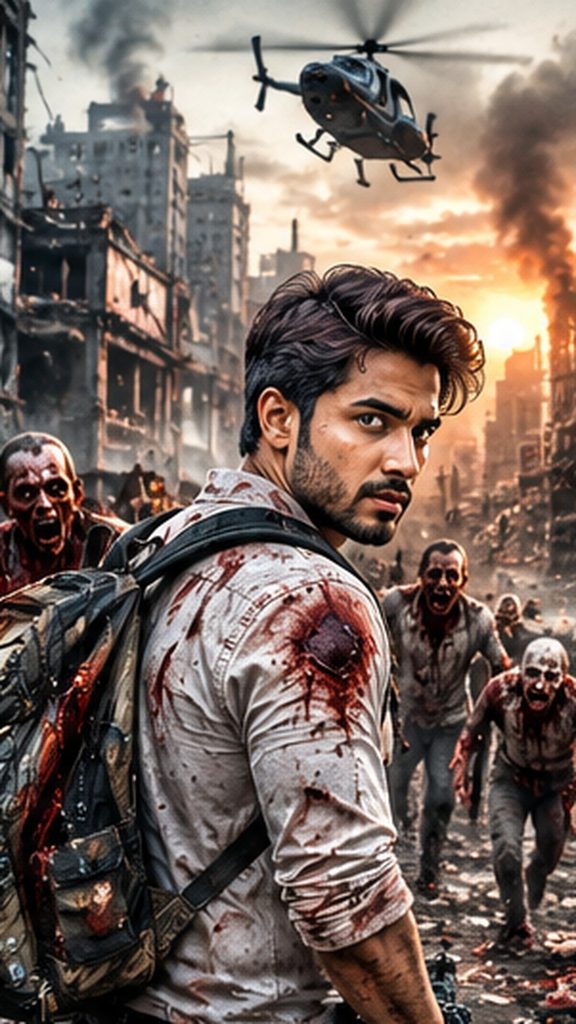
Zombie Apocalypse Survivor in a Destroyed City
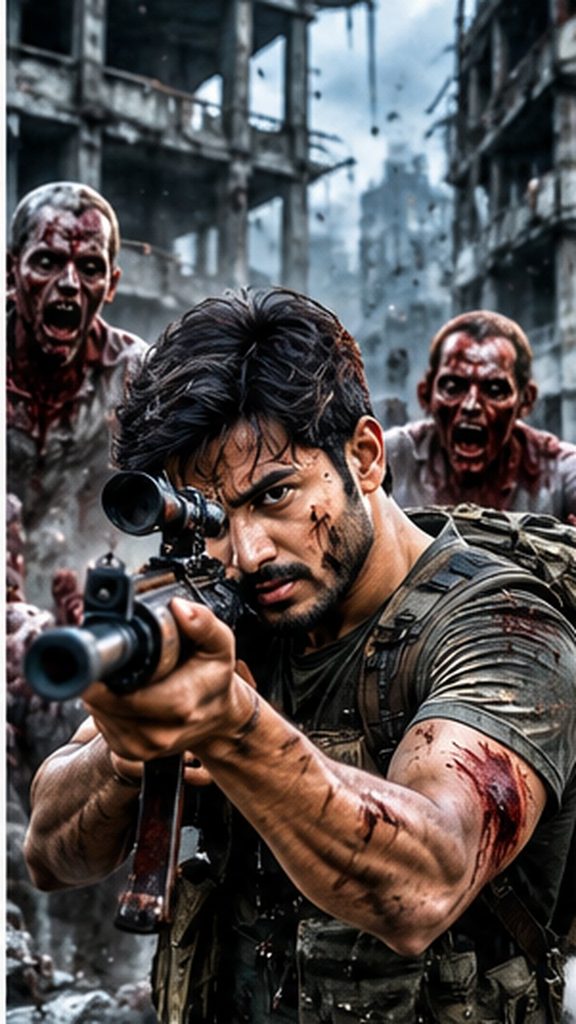
2. Intense Zombie Fight Action Scene
3. Walking Through a Zombie-Infected World
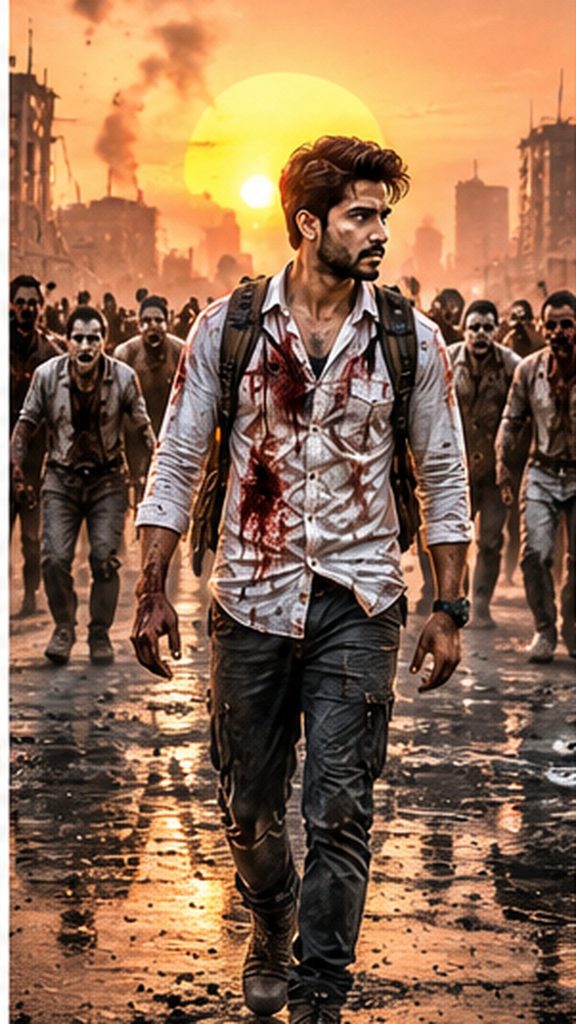
4. Rescue Mission During the Zombie Apocalypse
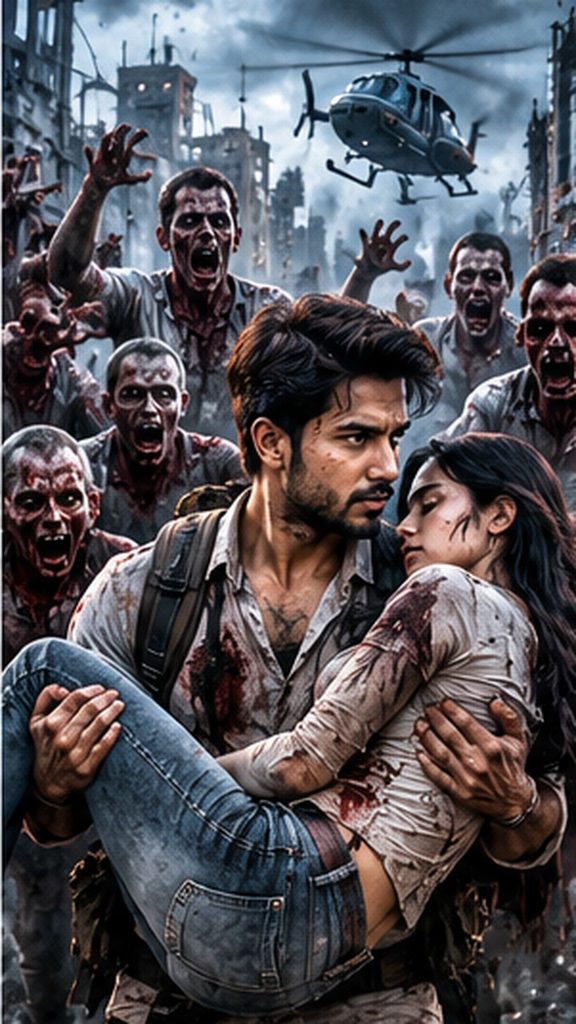
5. Last Survivor Watching the Burning City
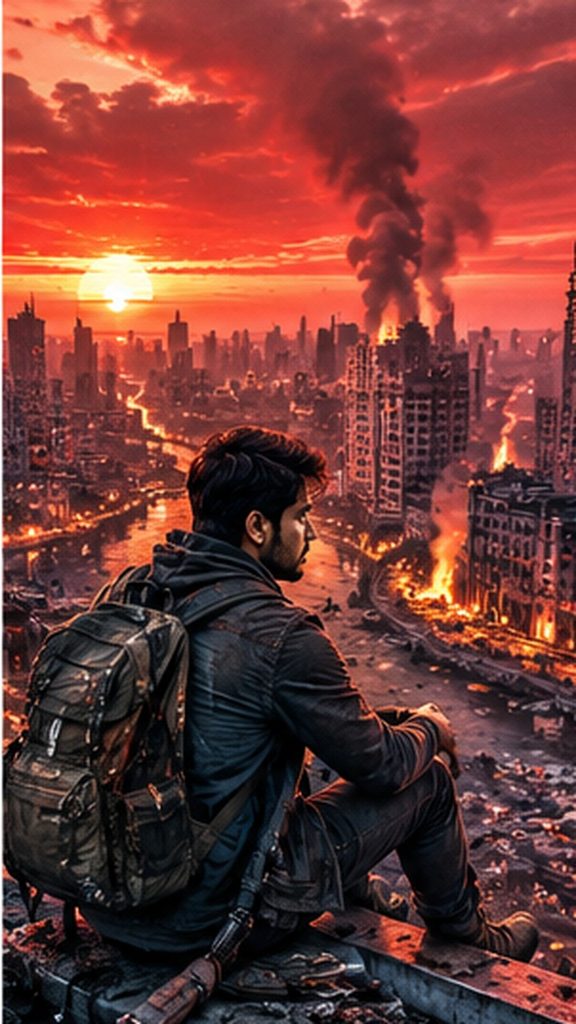
How to Create a Zombie AI Video Step-by-Step
Step 1: Generate a zombie image using an AI image generator.
Step 2: Upload the image to an AI video generator and animate the scene.
Step 3: Create multiple clips showing zombies, abandoned streets, and survival scenes.
Step 4: Import the clips into a video editing app. Arrange them in a logical sequence.
Step 5: Add horror sound effects, background music, fog effects, and cinematic transitions.
Step 6: Export the final video in 9:16 vertical format for Instagram Reels and YouTube Shorts.
Tips to Make Your Zombie Videos Viral
Start with a shocking visual in the first three seconds. Use suspenseful sounds, realistic effects, and quick scene transitions to maintain viewers’ attention. Keep your story short and engaging, and add captions when necessary.
For better results, maintain consistent zombie appearances and lighting across different scenes. Always review the final video before publishing.
Zombie Apocalypse AI Video Editing is an exciting way to create horror content in 2026. By combining creative prompts, AI animation, and professional editing, you can produce engaging zombie videos for social media. Experiment with different scenes, camera angles, and sound effects to develop your own unique horror style.